Rise Piece Combat Controls
PC keys, mobile buttons, and the EXP-bar menu for codes and settings.
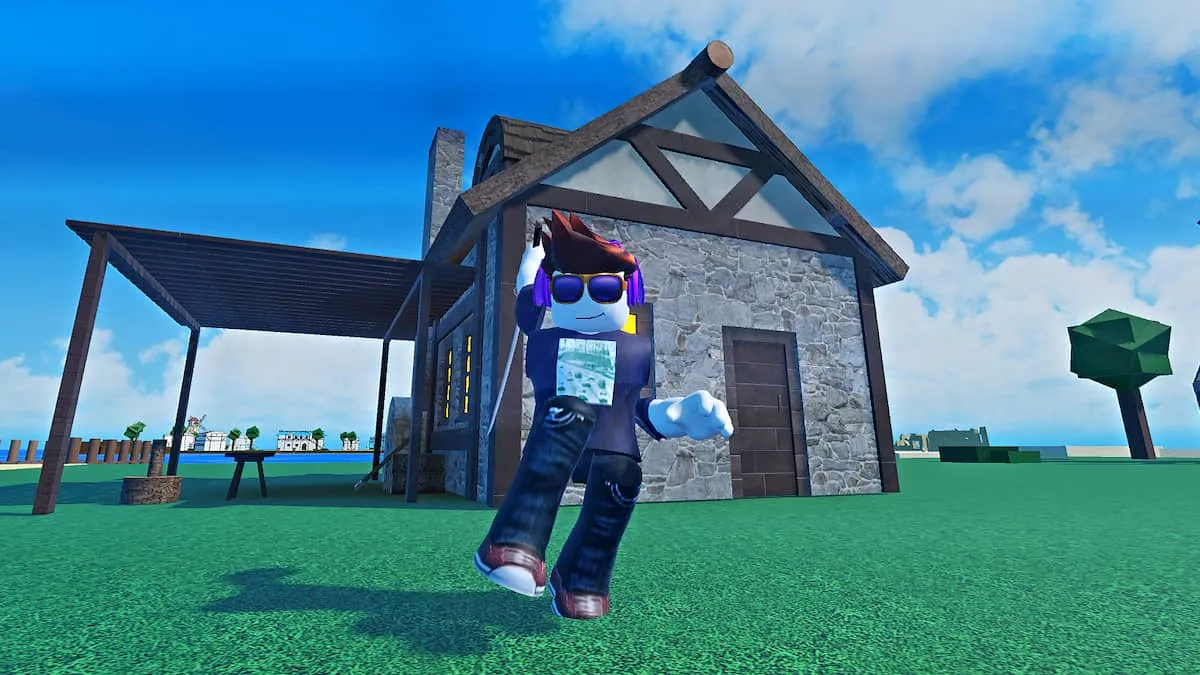
Rise Piece plays like other Piece-style Action RPGs on Roblox: you move, you M1, and you fire four skills. The game is live on PC and Mobile, with console still listed as not on Roblox yet. This page only documents inputs creators actually use. It does not invent extra keybinds, dash keys, or hidden combos. If a patch adds a bind, it will show up on the updates hub before it shows up here. Pair these controls with the getting started guide so you know which menu to open first.
PC movement and camera
WASD moves. The mouse steers the camera. That is the whole locomotion map. There is no documented crouch, dedicated dash bind, or lock-on key in the creator routes this wiki follows. If your character is not moving, click the game window so Roblox has focus, then WASD. If the camera is wild, slow the mouse sensitivity in Roblox settings rather than hunting an in-game slider that the guides do not list.
Combat on PC is click melee, also called M1. Hold or click to swing the katana, Black Leg, or whatever spec you bought. Skills sit on Z, X, C, and V, the typical Piece-game layout. Put the spec’s main string on those four slots and leave them there. Auto Skills, once enabled, fires those slots for you while you keep M1 going. That is the grind loop on every island in the leveling route: hold forward, hold melee, let Z X C V rotate.
Do not rebind in your head. If a YouTube overlay shows extra keys, ignore them unless the in-game menu shows the same labels. This wiki will not list Q, E, F, R, or number-row binds that were not in the recorded layout. When you unlock Sukuna, Cid, or Ichigo, those kits still land on Z X C V. You change the spec, not the keyboard.
The left-side / EXP-bar menu
The menu that matters is on the left, tied to the EXP bar. Open it for Codes, spawn, and settings. Codes are typed there; live strings such as Update6, 225kVisits, 1550Favorits, 1565Likes, and 1WeekCosmicGarou belong on the codes hub, not on this page. Spawn is the button you hit every time you change islands. Settings hold the PvP toggle and Auto Skills. Turn PvP off on 10-player online servers while you learn. Turn Auto Skills on once four skills exist.
Haki level, titles, trade, the merchant, fruit gacha, and leaderboards are also in the broader UI. They are not extra combat keys. You do not punch a leaderboard open with V. You open the menu, you click the entry, you close it, you go back to M1. If you cannot find Codes, you are looking at the Roblox escape menu instead of the EXP-bar menu. Click the in-game left-side control, not the Roblox hamburger.
Mobile buttons
Mobile uses on-screen buttons for the same actions: move, camera drag, melee, and the four skills. The Codes / spawn / settings menu is still there; the button is on-screen rather than bound to a key. Auto Skills still exists and is worth turning on so your thumbs are not trying to hit four skill buttons and melee at once. PvP still toggles in settings. There is no separate Mobile-only spec. Sukuna, Cid, Ichigo, Yoru, and Black Leg use the same skill slots.
Phones make camera work harder around rooftop sellers and cell arenas. Slow the camera, plant your spawn on the island you are farming, and do not fight with PvP on until you can actually see the other player. Console is not on console yet; until Rise House ships it, there is nothing to document for a gamepad. Do not assume Xbox binds from another Piece game.
How controls meet the rest of the wiki
Leveling is a skip rule, not a new input. When you one-tap a camp, you open the menu, set spawn on the next island, and walk there with WASD or the thumb stick overlay. Traits do not get their own key; you talk to the Traits NPC on Starter Island and spin there. Read the traits guide for pity and storage. Spec hunts do not add keybinds; they add sellers and bosses. Rank those specs on the tier list and the players hub after you have pressed Z X C V with them for real.
If a script claims it needs extra keys, that is the script, not the game. Notes for those tools live on the scripts hub. Stat planners under tools do not change binds either. Community how-to clips sit on community links. When Update 6.5 or a later patch ships a new skill slot, come back; until then, the layout is movement, click melee, four skills, one menu.
Learn this page once. The rest of Rise Piece is islands, Zeni, and traits, not a growing key list. If a friend asks “what is the block button,” the honest answer is that this wiki does not have one to give. Send them the Guides Hub for the hunts, and keep your own left hand on WASD and your right hand on mouse plus Z X C V.
Frequently Asked Questions
Quick answers to the most common Rise Piece questions.
What are the Rise Piece PC controls?
WASD to move, mouse to look, click / M1 to melee, and Z X C V for skills. Codes, spawn, PvP, and Auto Skills sit in the left-side EXP-bar menu.
Does Mobile use different skills?
No. Mobile shows on-screen buttons for the same move, melee, and Z X C V slots. Specs such as Sukuna and Ichigo do not change that layout.
Where is the Codes menu?
Open the left-side menu from the EXP bar. Live strings are listed on the codes hub. Do not use the Roblox pause menu.
How do I turn PvP off?
Settings inside the same EXP-bar menu. Servers hold 10 players and the game is online, so beginners should leave PvP off. See the getting started guide.
Is there a documented dash or block key?
Not in the creator layout this wiki follows. Do not invent binds. If a patch adds one, it will be noted on the updates hub.